Documentation
Everything about the platform
Guides, references and recipes: projects, tasks, knowledge base, calendar — and connecting your favorite AI agents via MCP.
Getting started
3 pages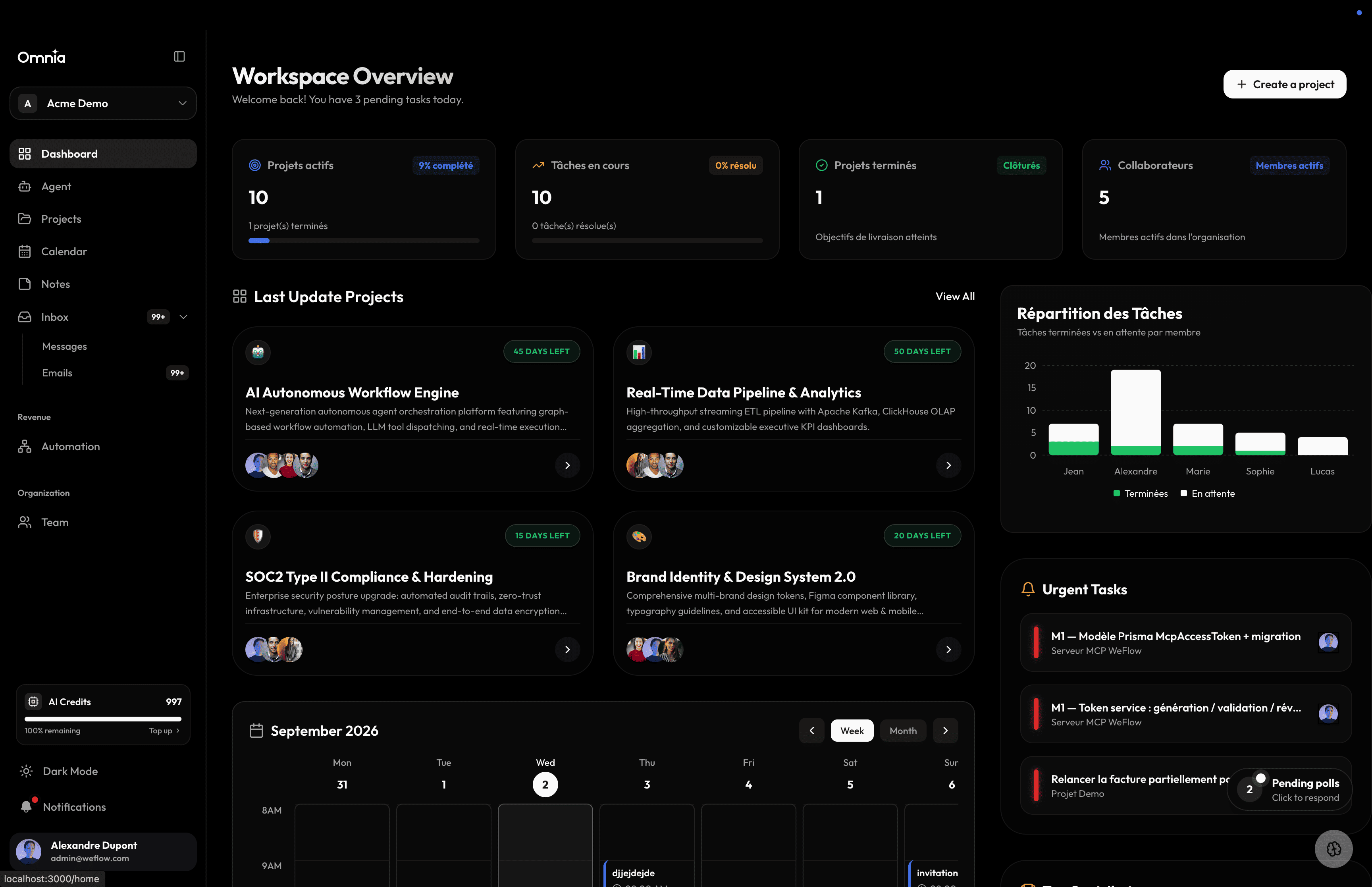
Introduction
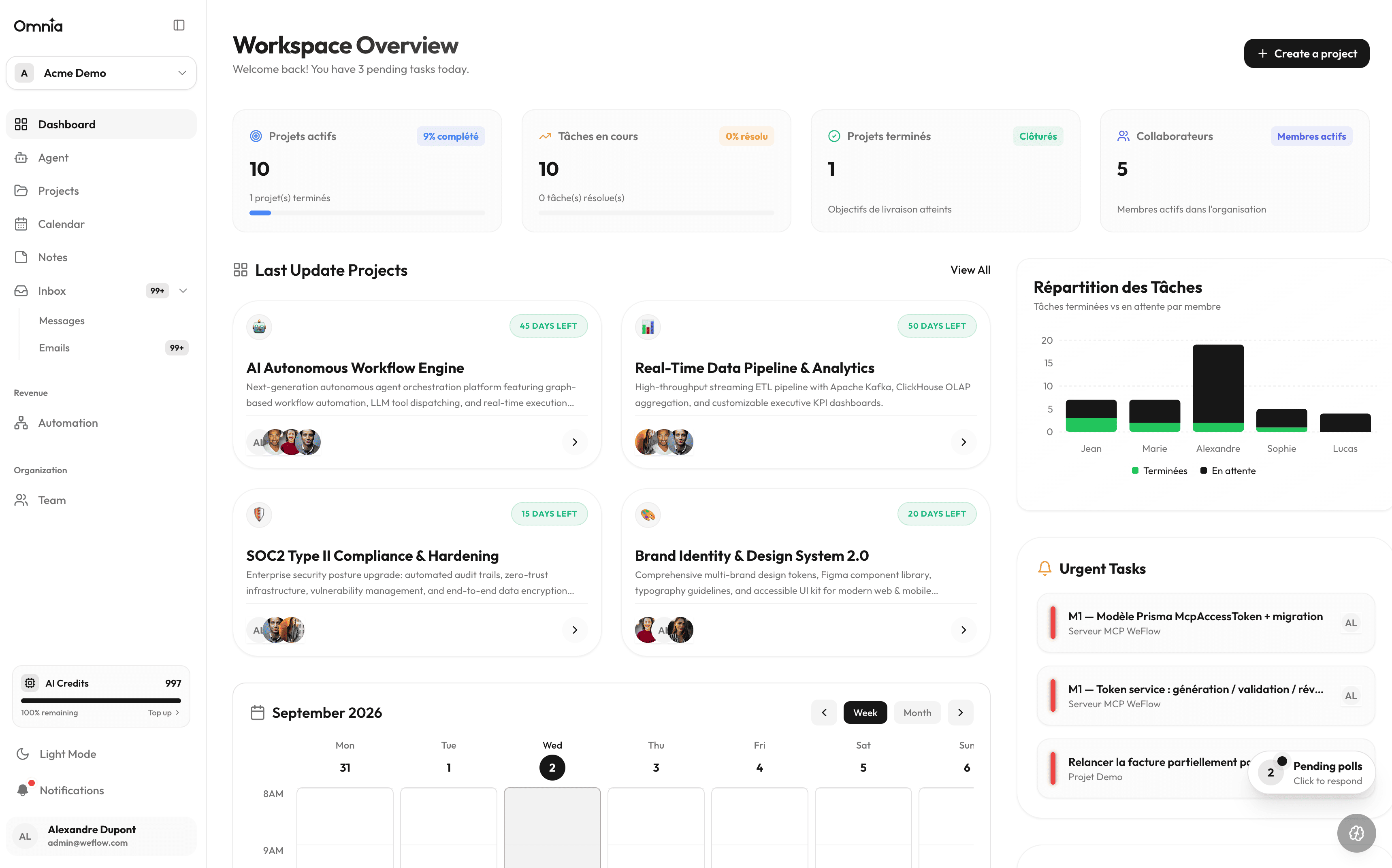
Meet the platform: one unified workspace to drive projects, tasks, notes and your calendar.
Read page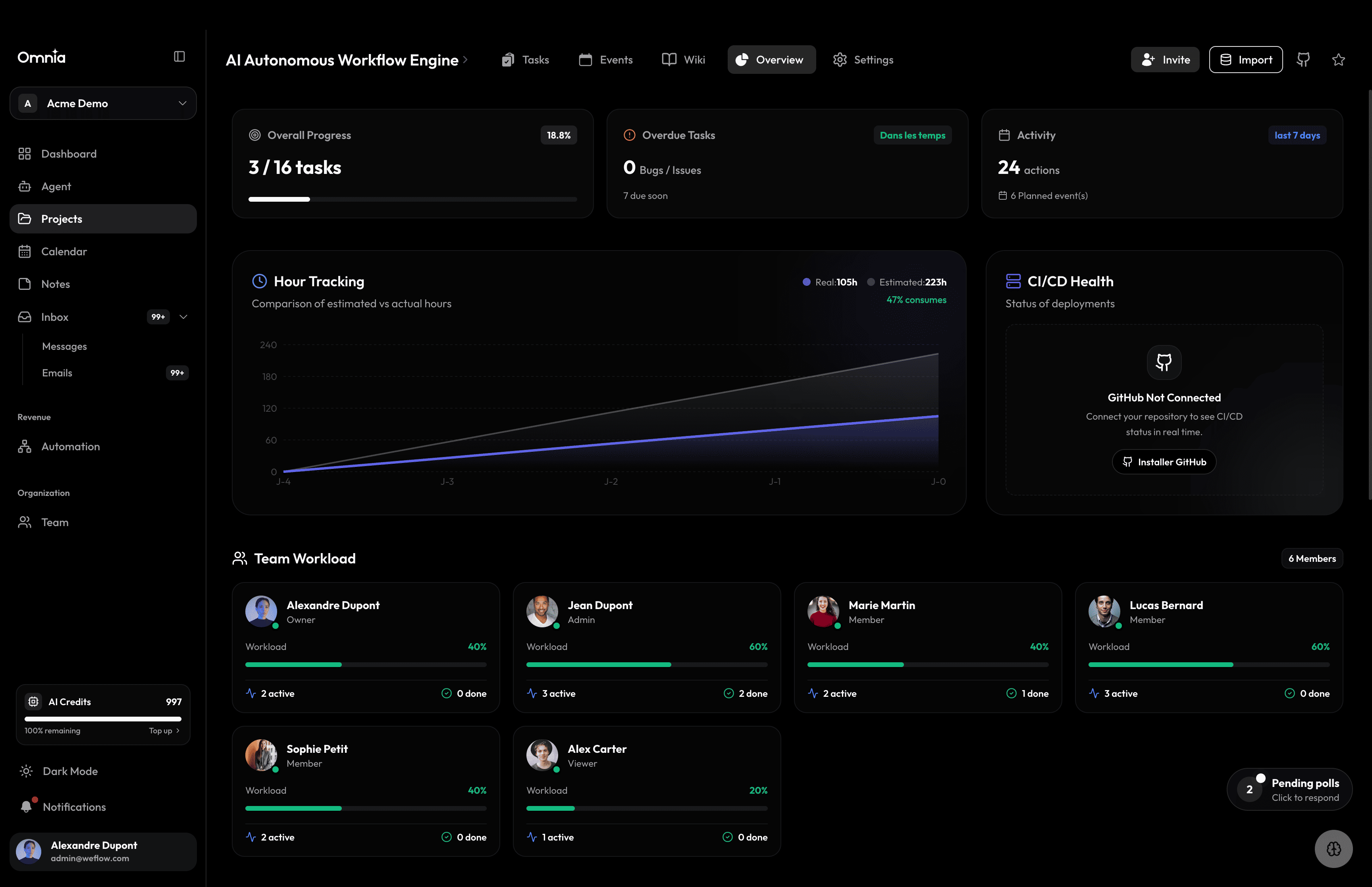
Quick start
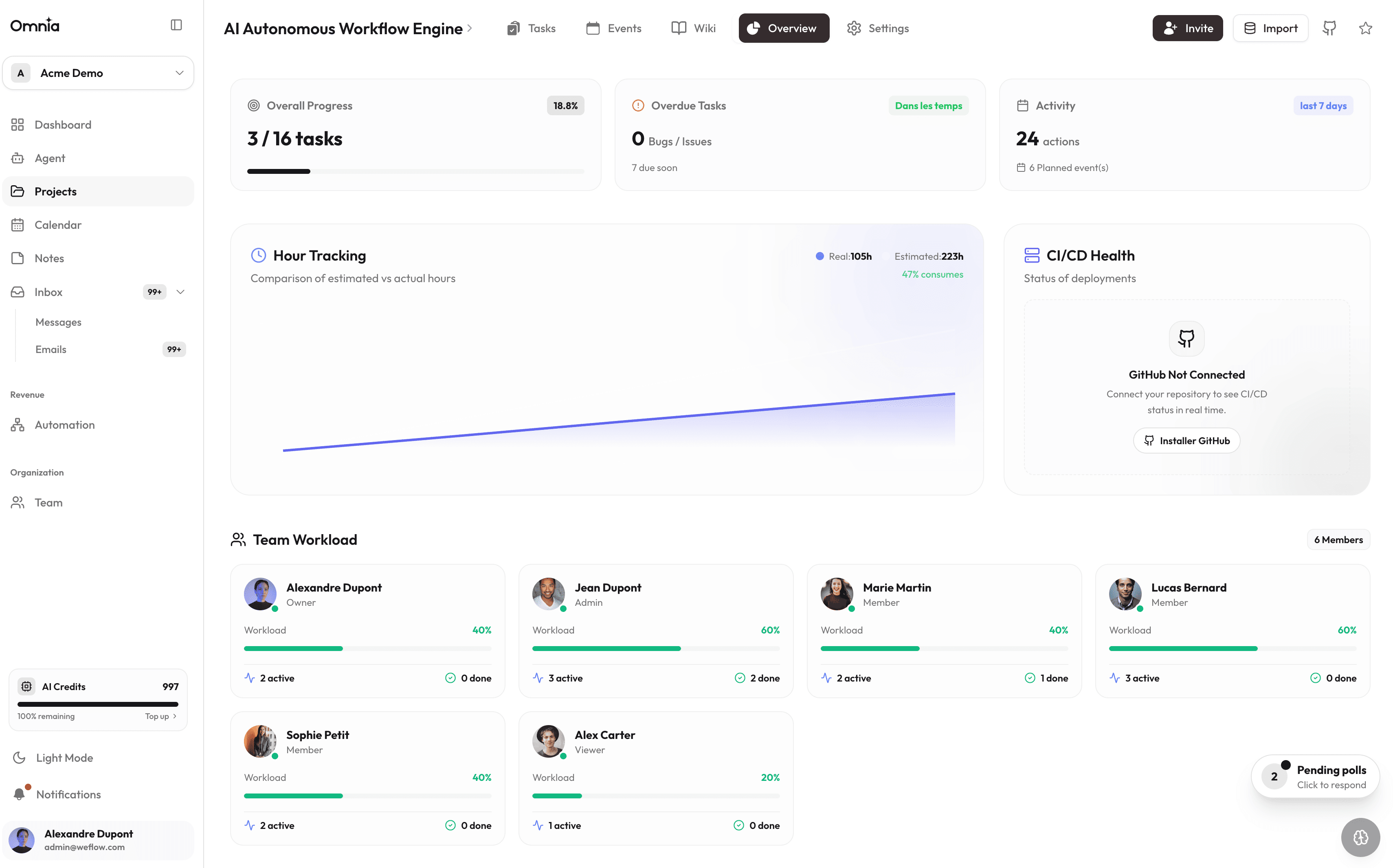
Create your organization, first project and invite your team in under 10 minutes.
Read page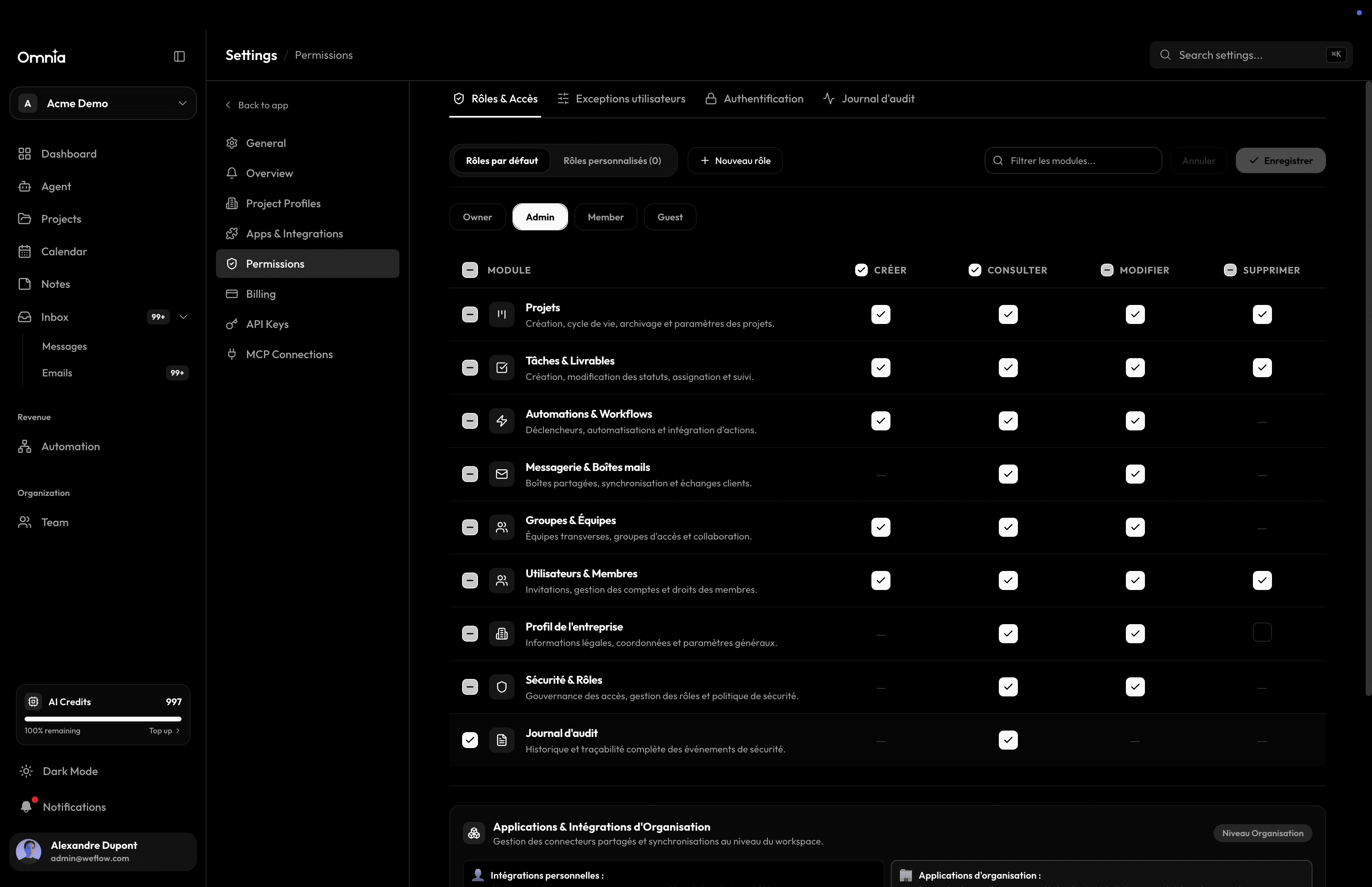
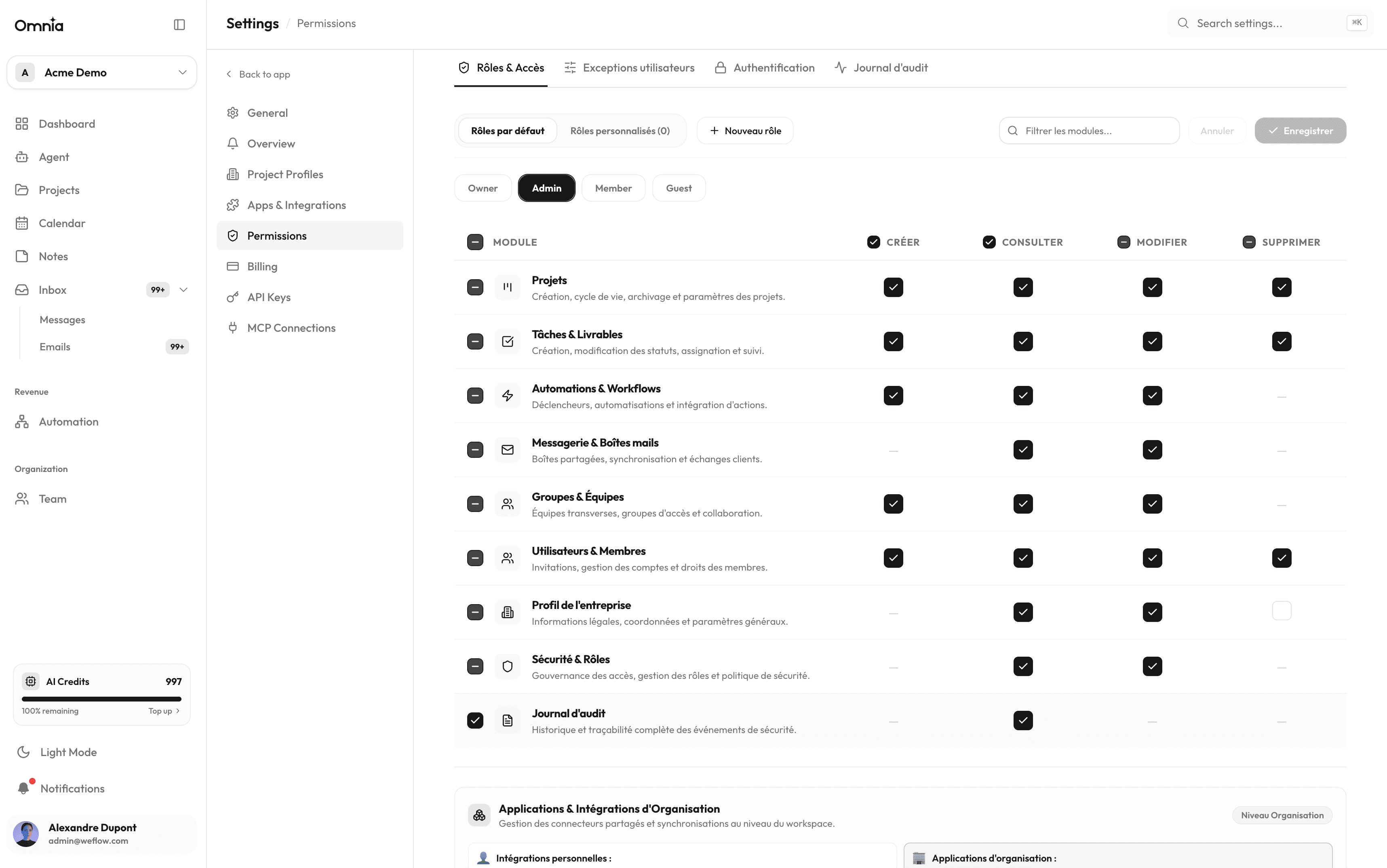
Roles, Teams & Permissions
Team security and governance: role hierarchy, team management, and granular user access control.
Read pageFeatures
6 pages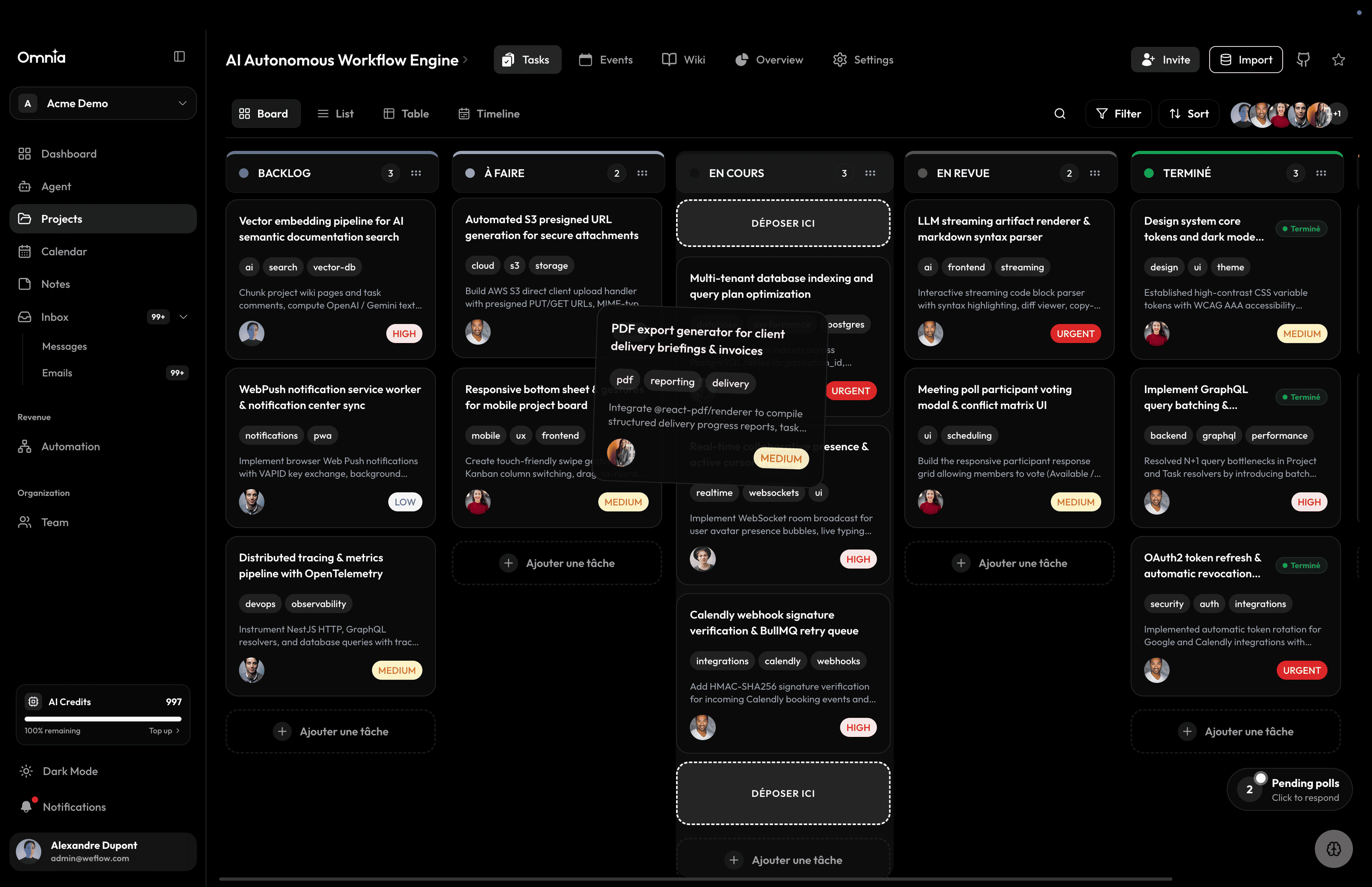
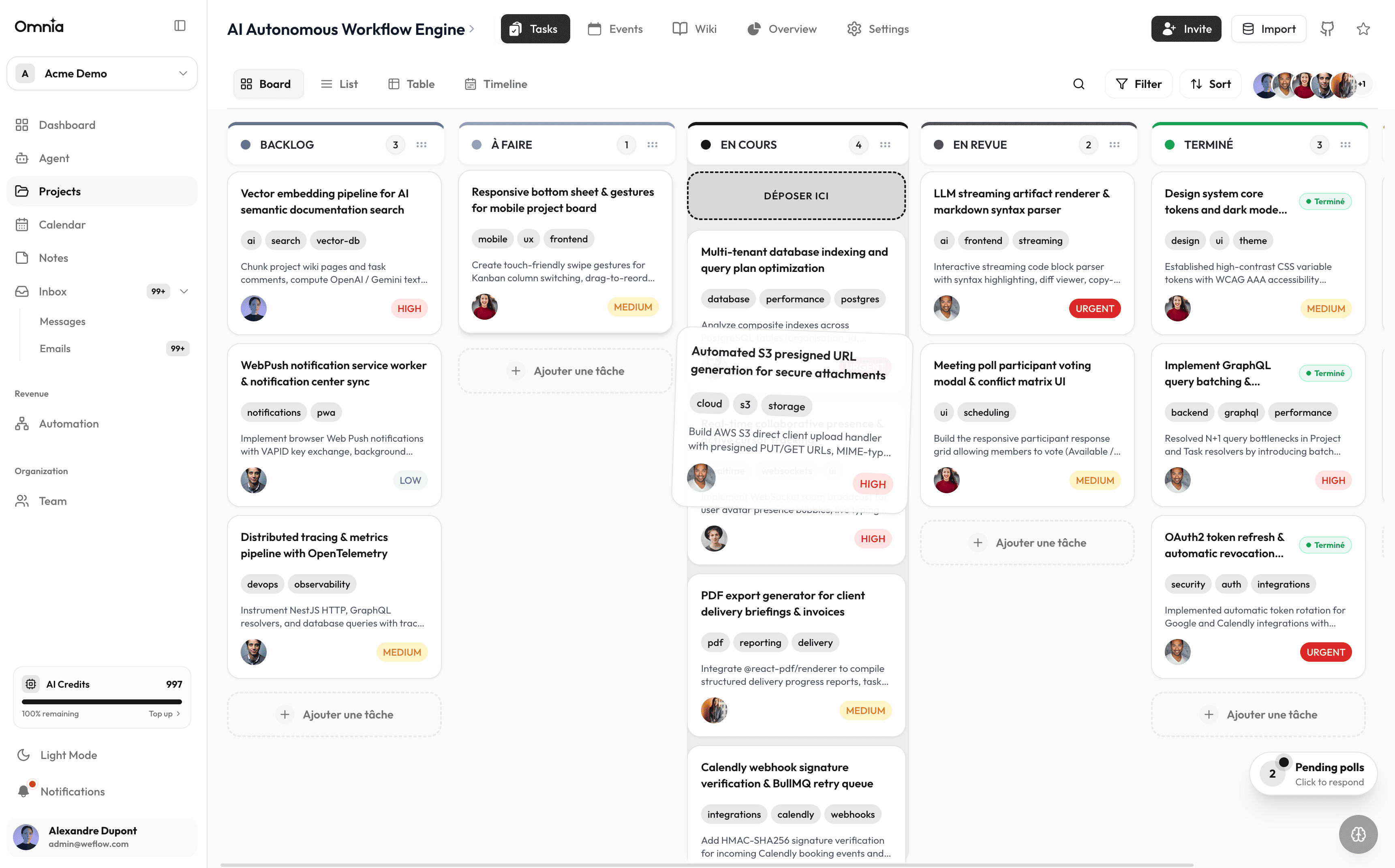
Projects & Tasks
Structure the work: stages, priorities, deadlines, Kanban boards, and rich task details.
Read page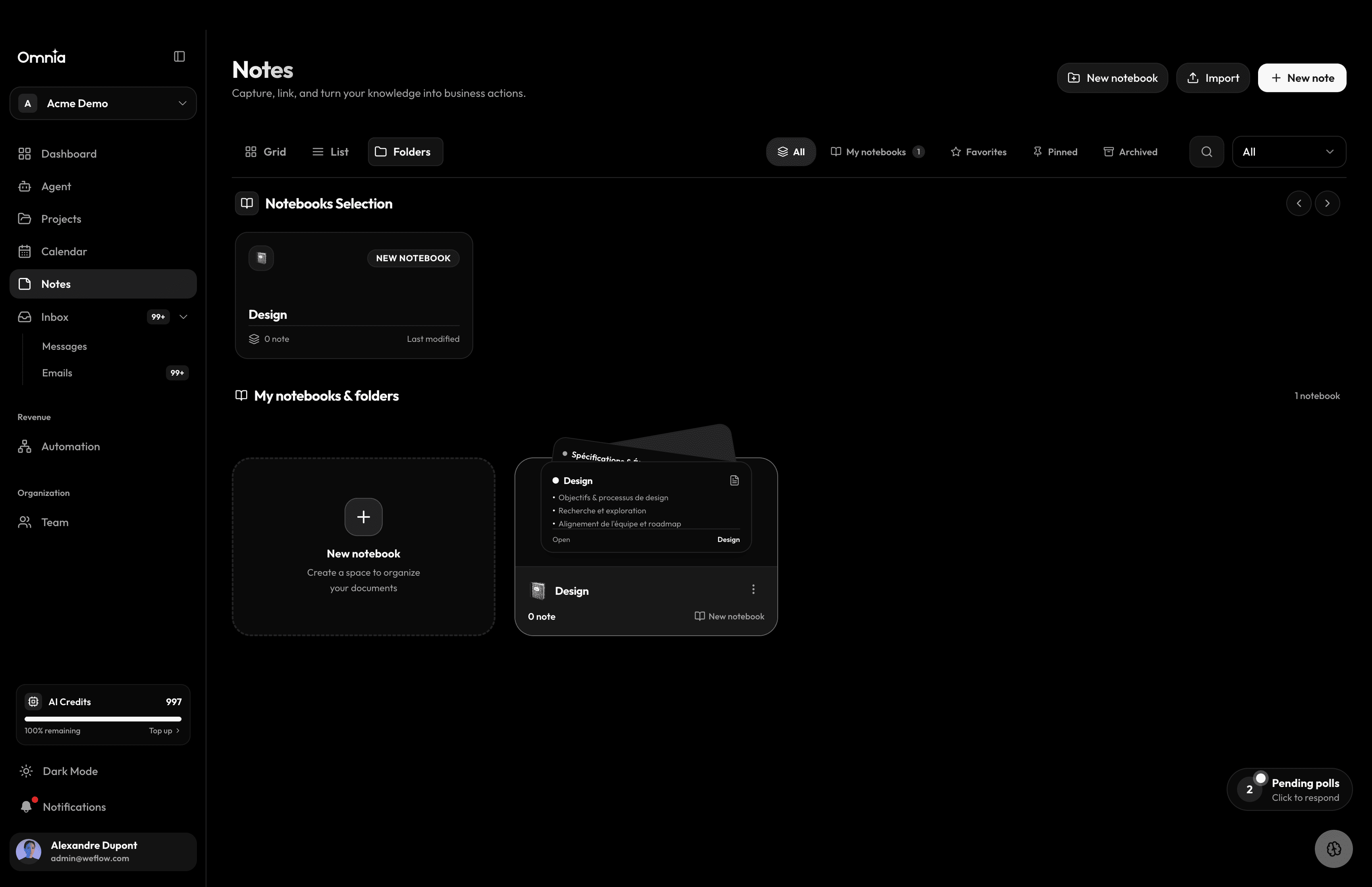
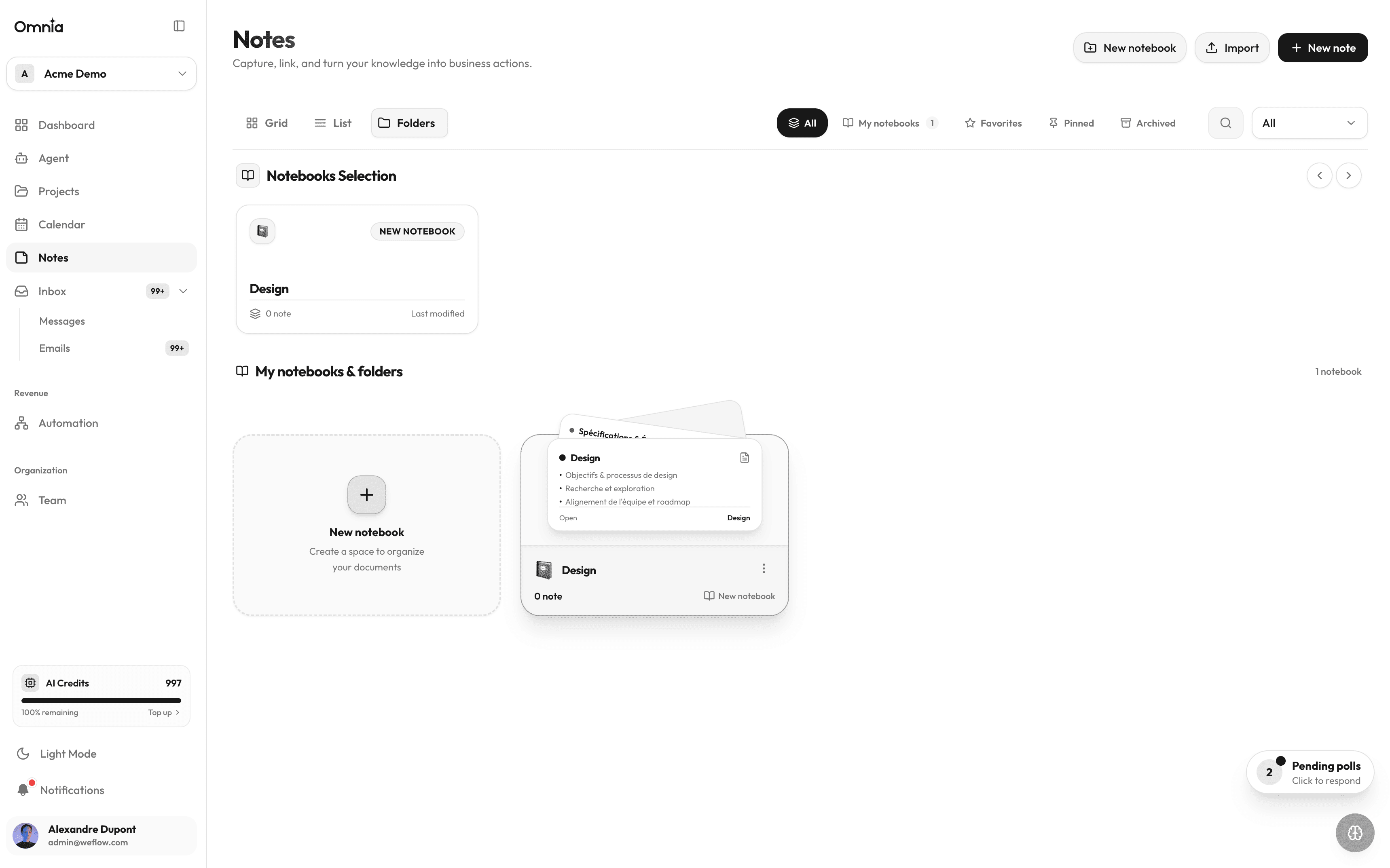
Notes & Wiki
Complete knowledge base: notebooks, rich notes, hierarchical project wiki, online publishing, and AI indexing.
Read page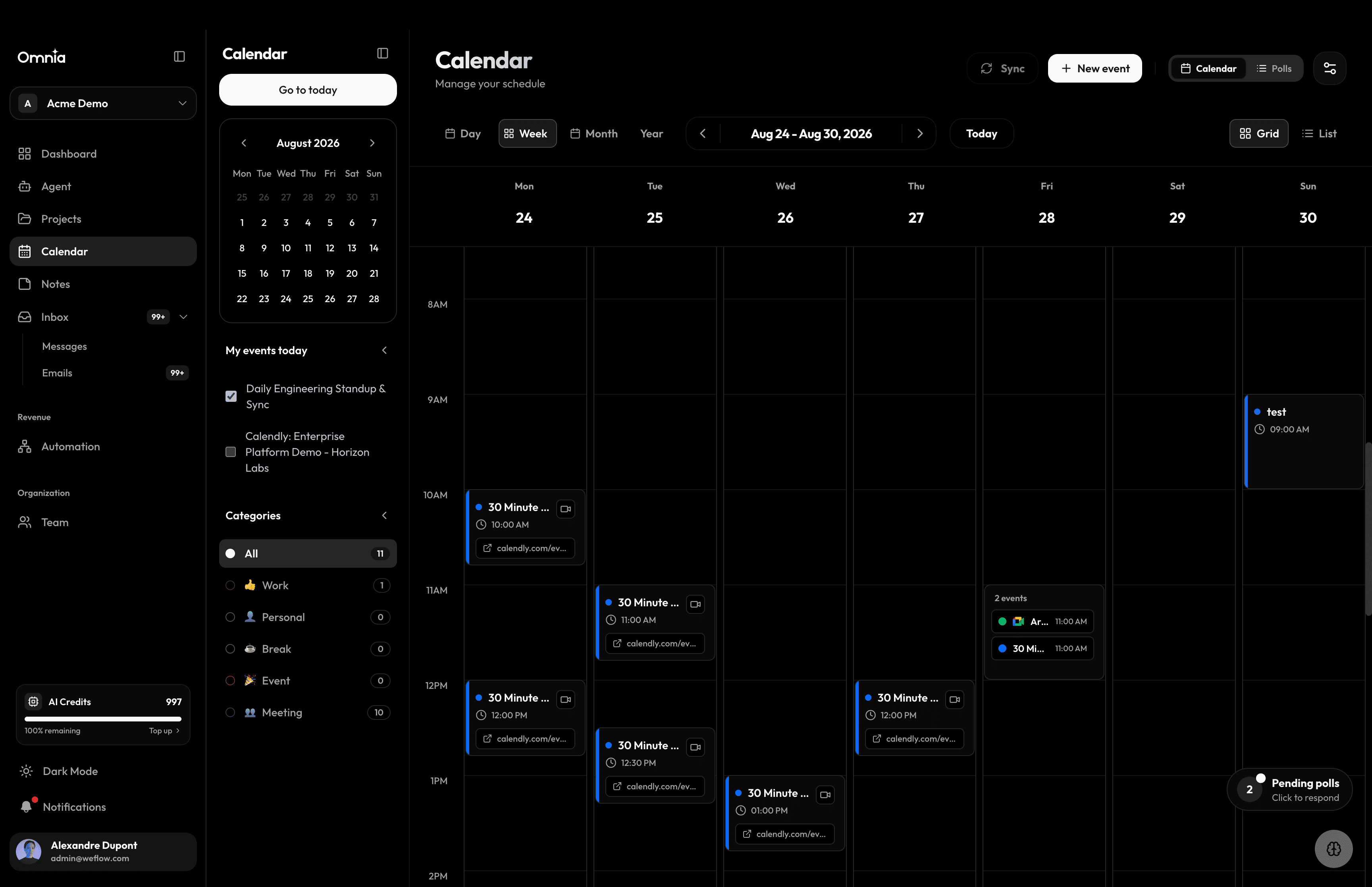
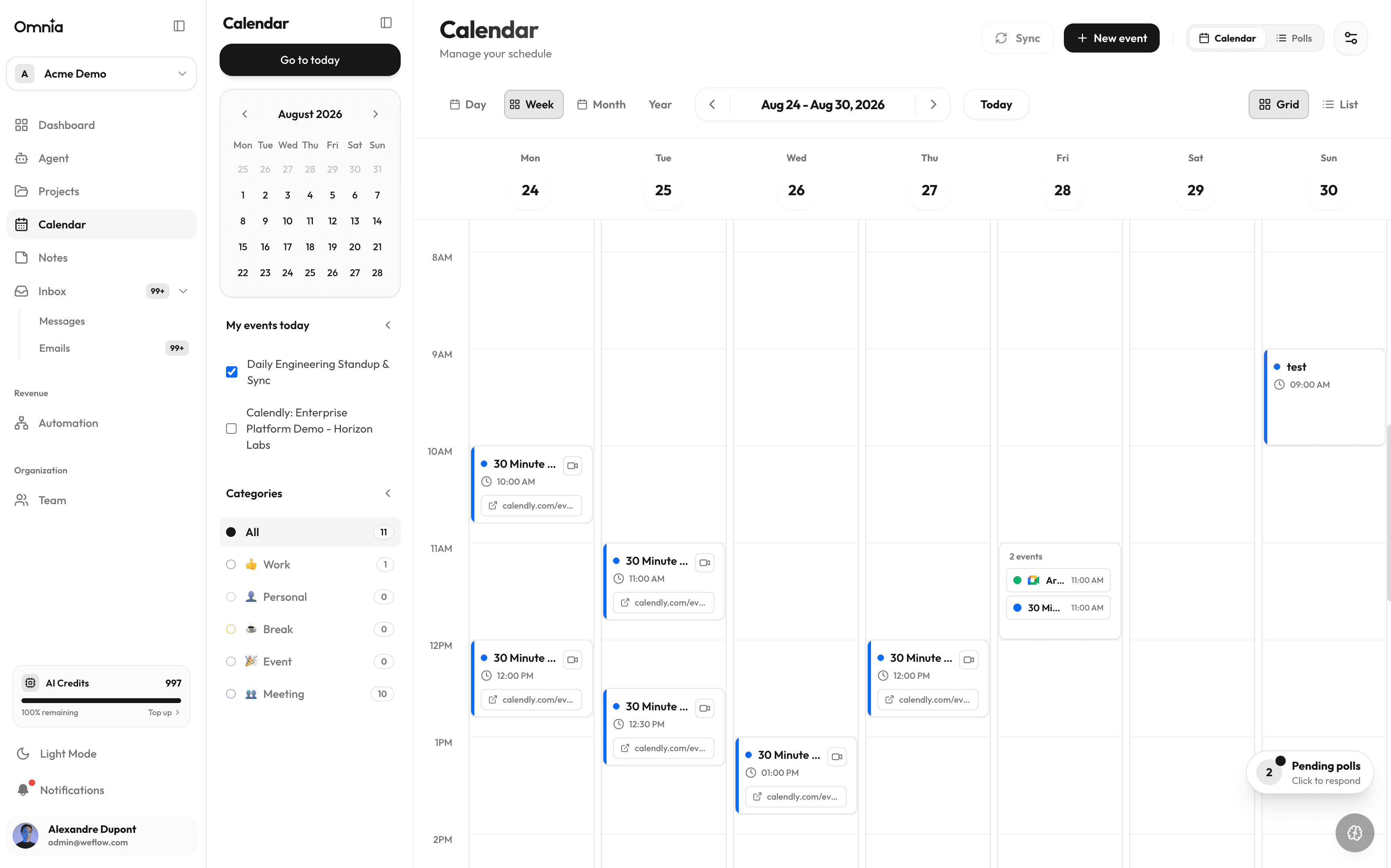
Calendar & Polls
Events, attendees, interactive meeting polls, and two-way Google Calendar and Calendly synchronization.
Read page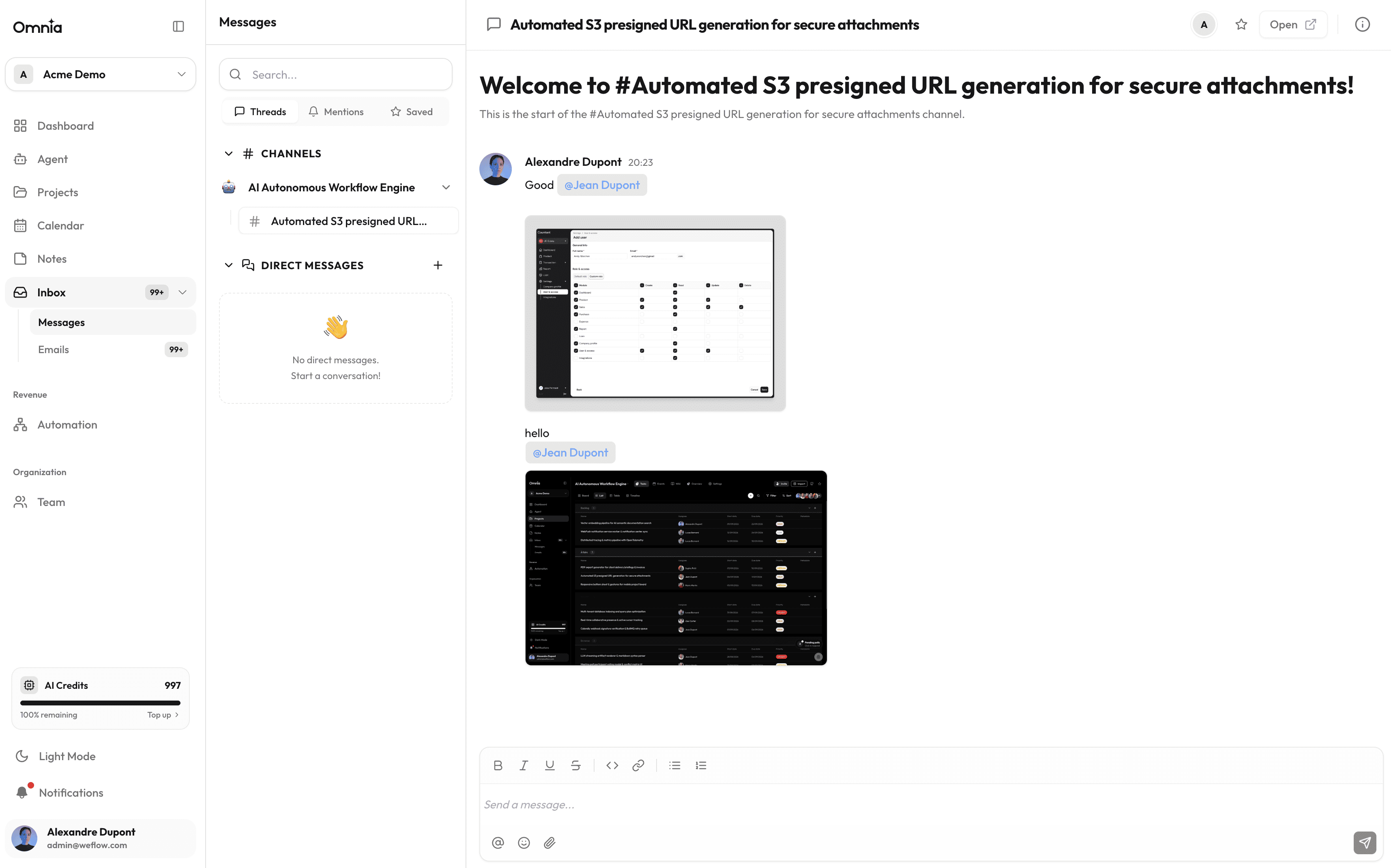
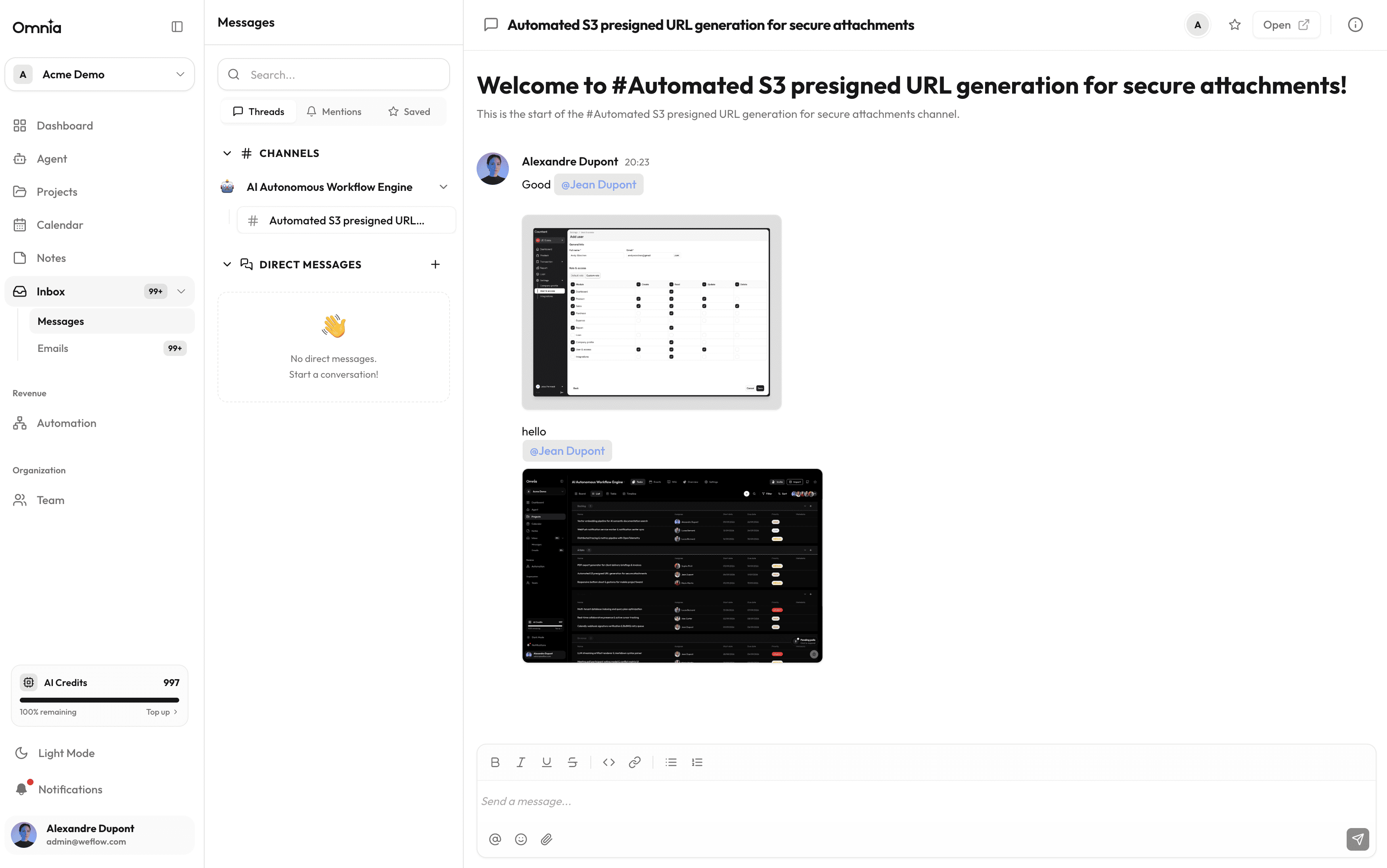
Messages & Emails
Unified communication inbox: sync Gmail or private mail servers, and link emails directly to projects and tasks.
Read page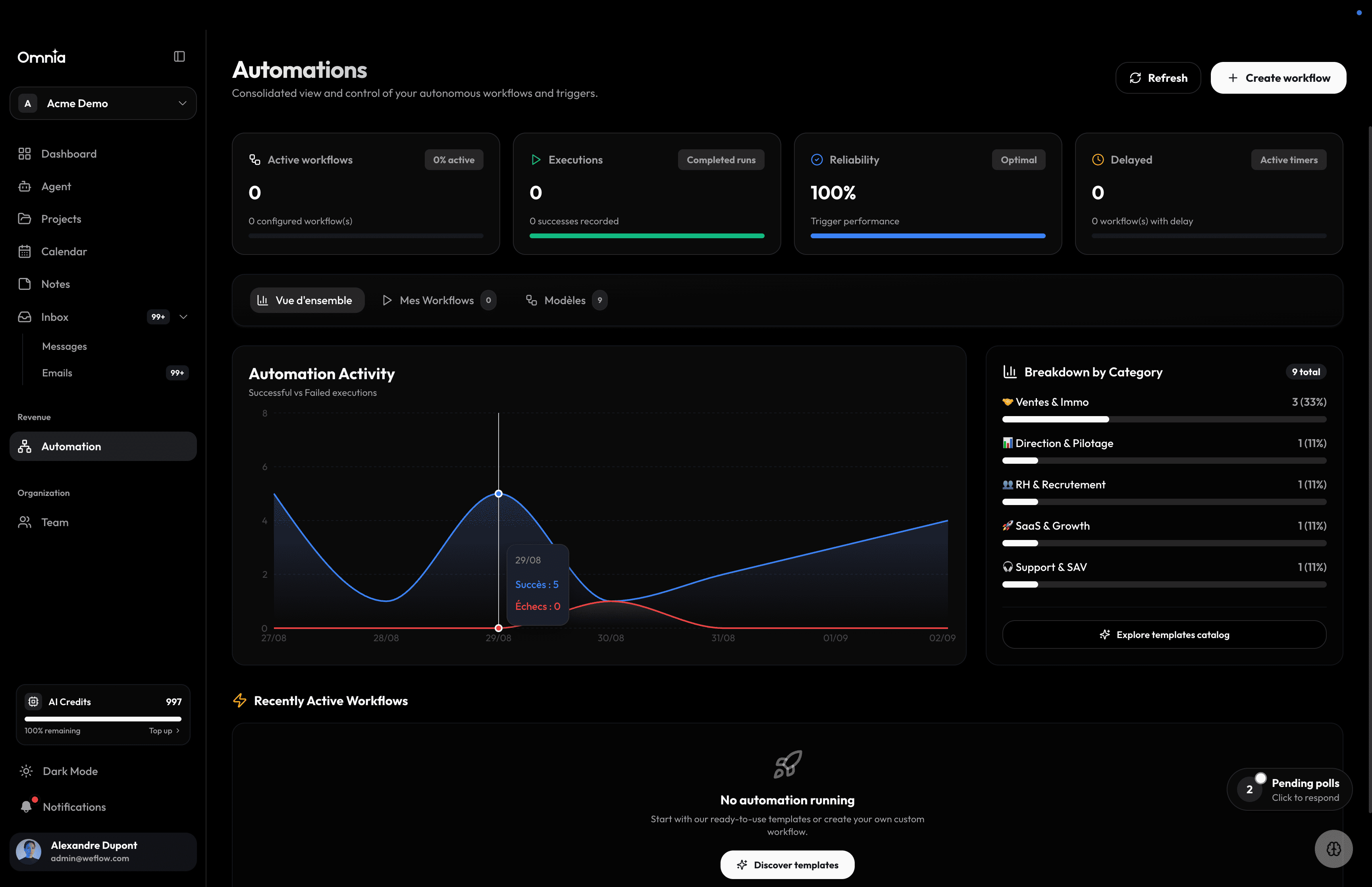
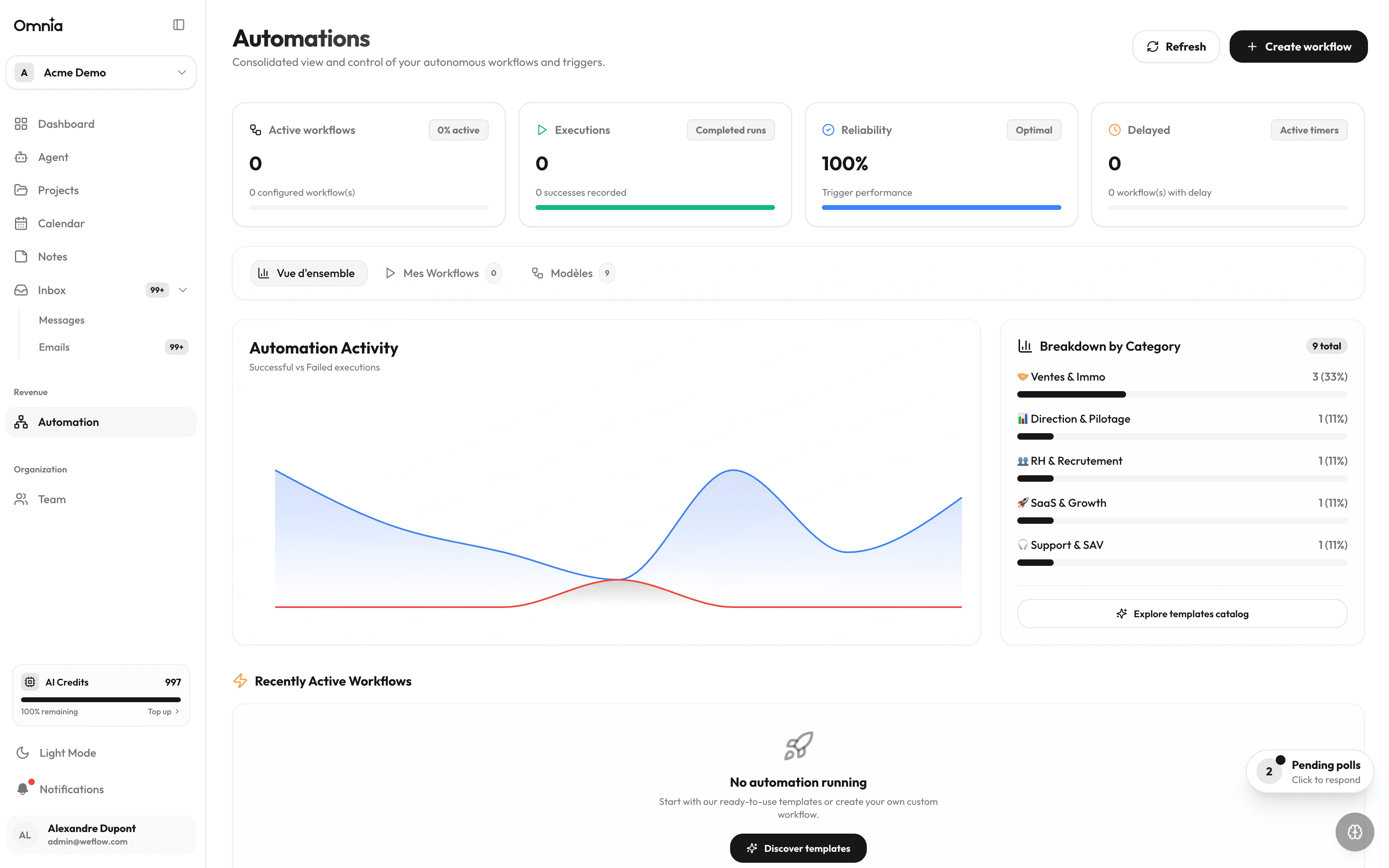
Workflows & Automations
Visual workflow builder: create intelligent automations connecting emails, calendar events, GitHub, and tasks.
Read page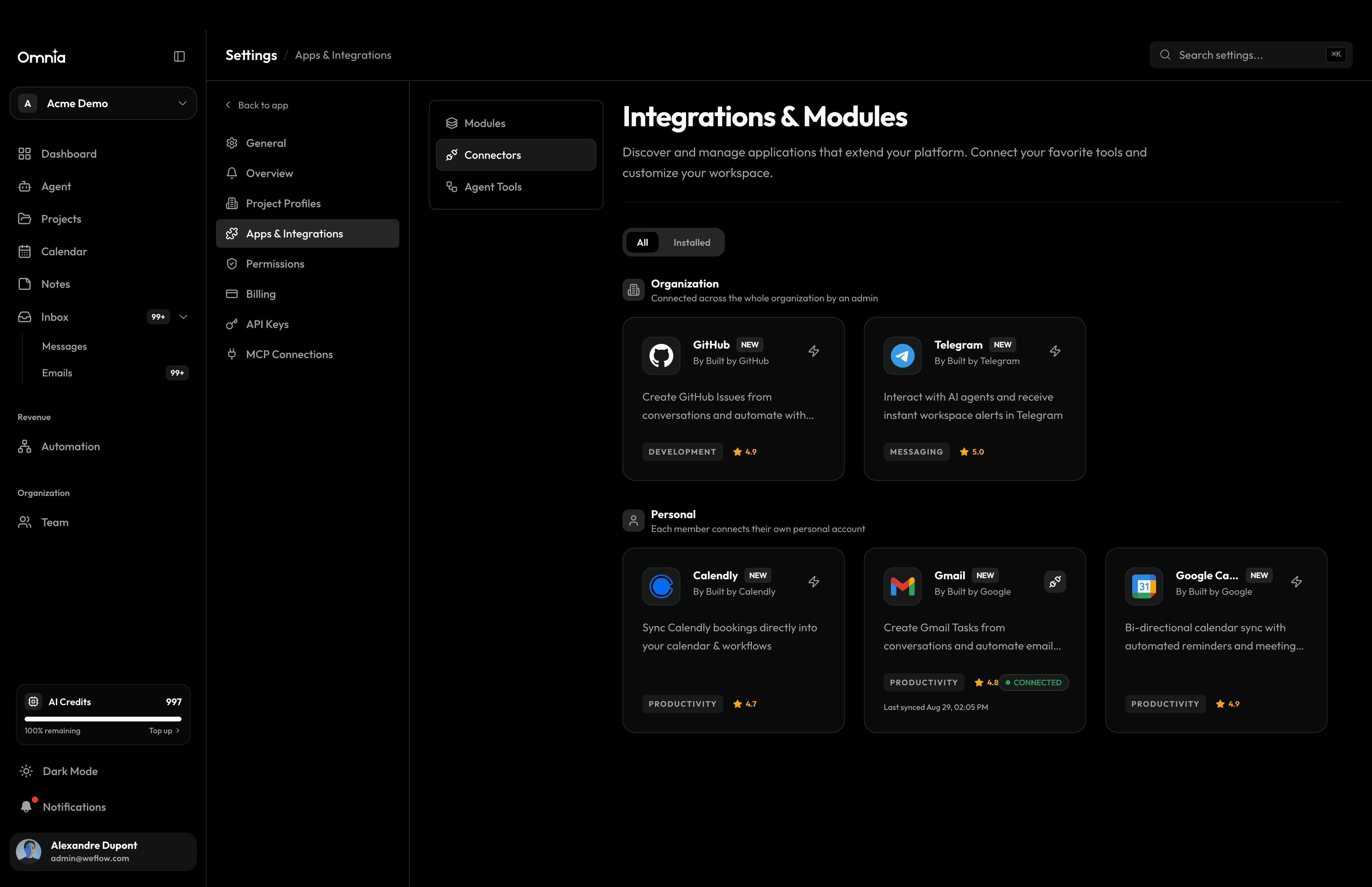
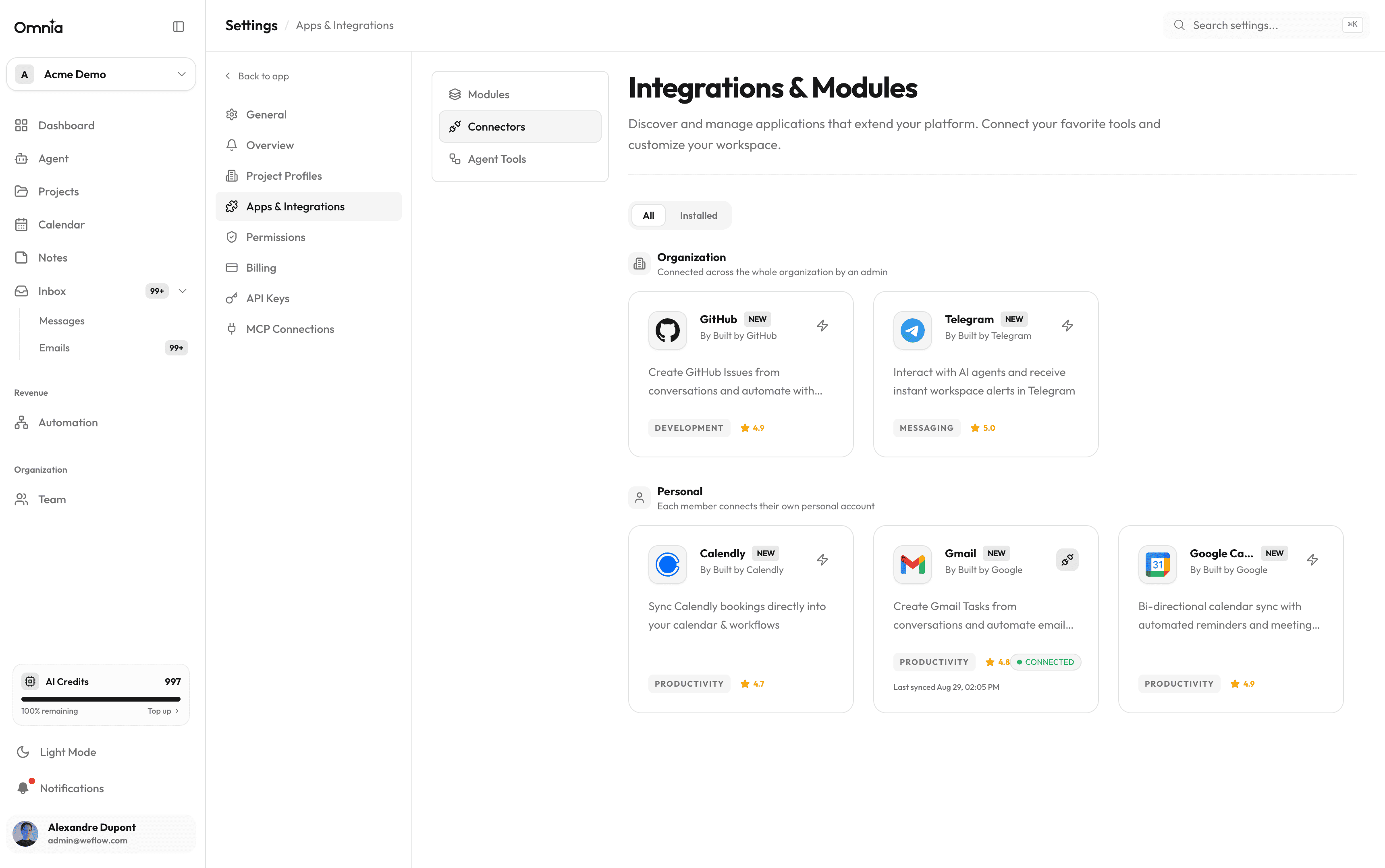
Apps & Integrations
Calendly, Google Calendar, Telegram, GitHub, email, and marketplace: connect your entire toolchain.
Read pageAI Agents
3 pages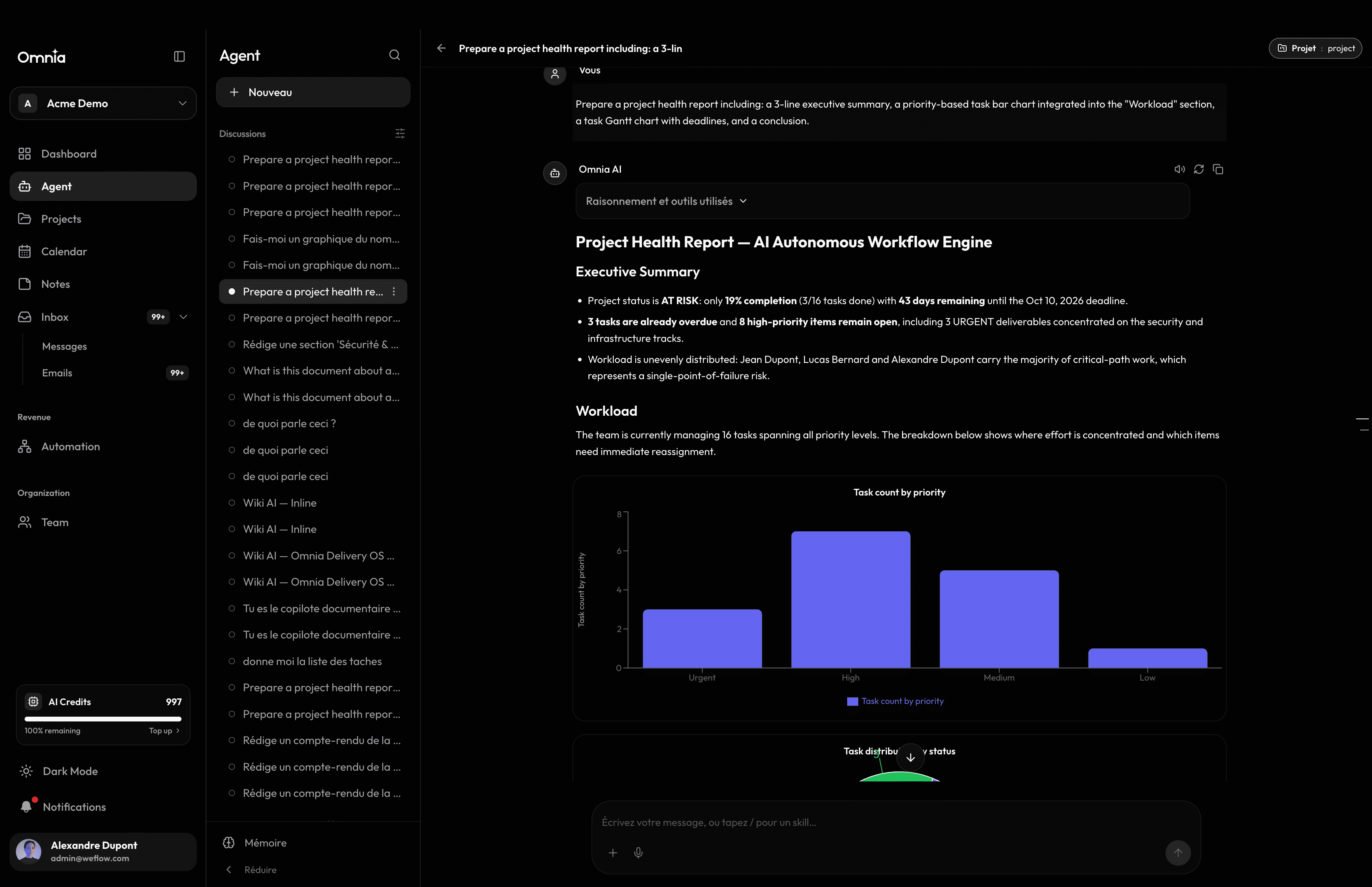
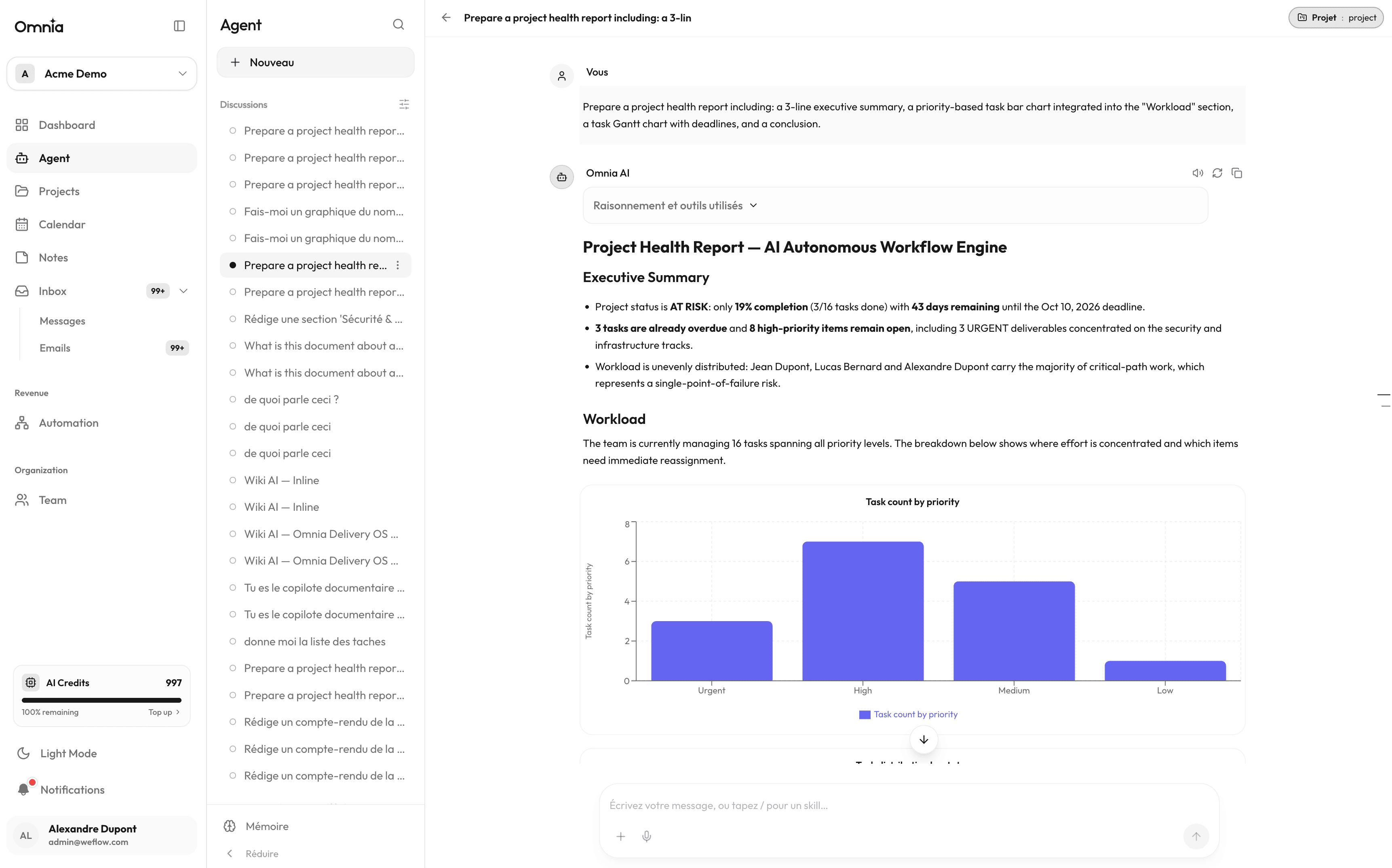
Omnia AI Assistant
Artificial intelligence at the heart of your flow: conversational assistant, floating contextual drawer, and natural language actions.
Read page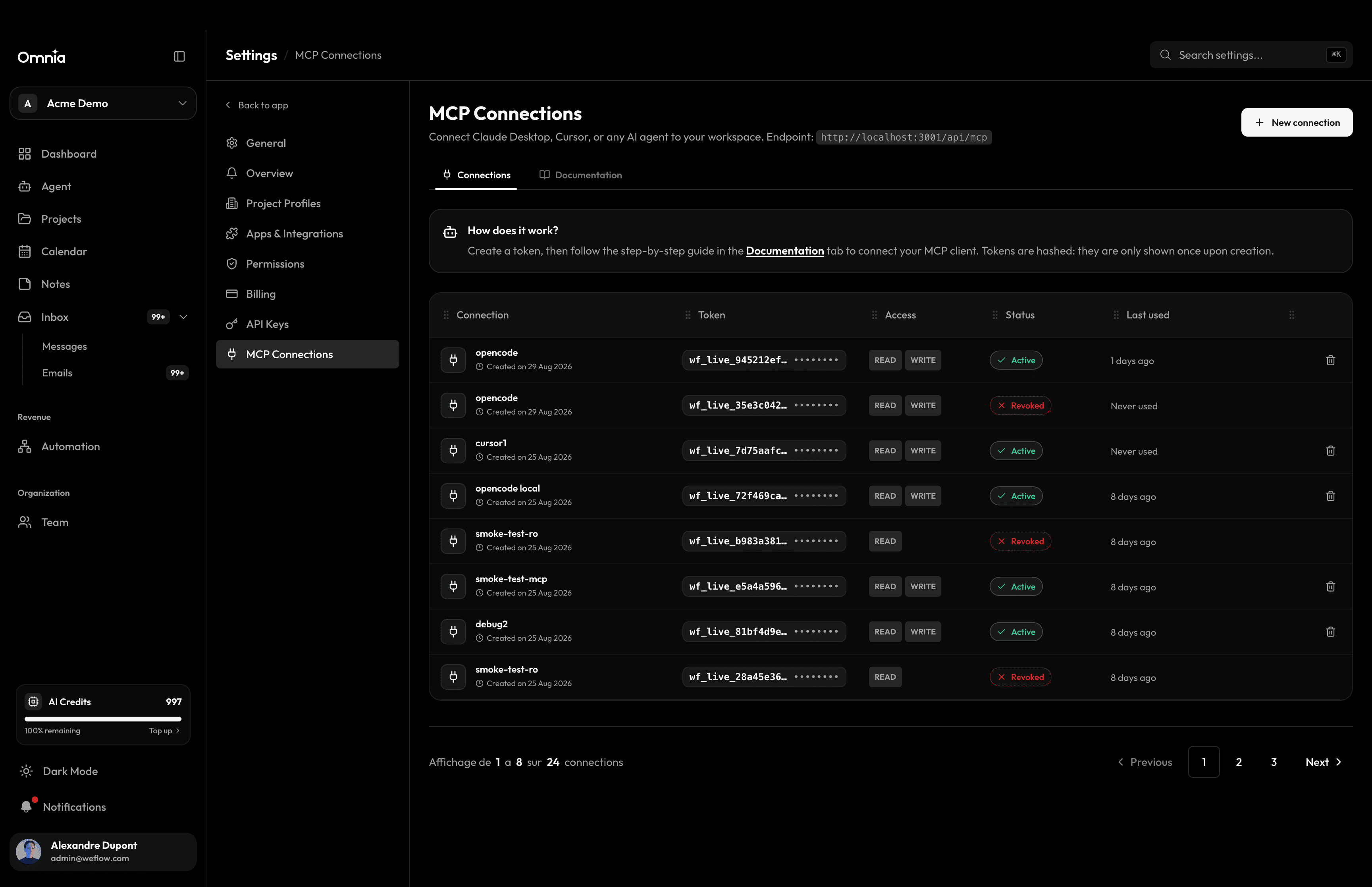
Connecting AI agents (MCP)
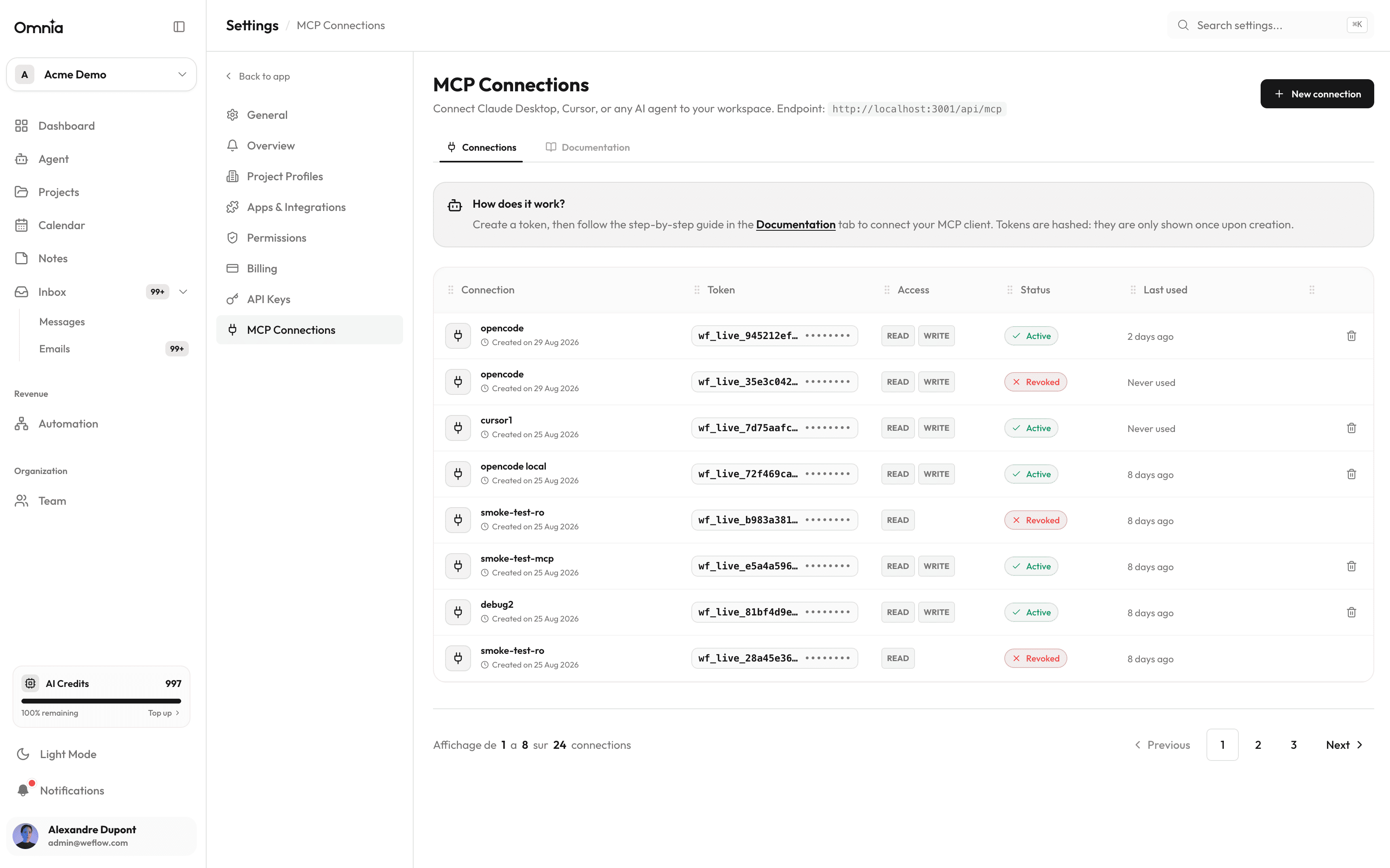
Connect Claude Desktop, Cursor, opencode, or any MCP client to your workspace using secure personal access tokens.
Read pageAPI & OAuth 2.1
For third-party integrations: OAuth discovery, authorization code + PKCE flow, and short-lived tokens.
Read page