Workflows & Automations
Visual workflow builder: create intelligent automations connecting emails, calendar events, GitHub, and tasks.
Omnia's automation engine allows you to visually build workflows without writing code. Connect your day-to-day triggers with AI evaluation filters and concrete actions across your workspace.
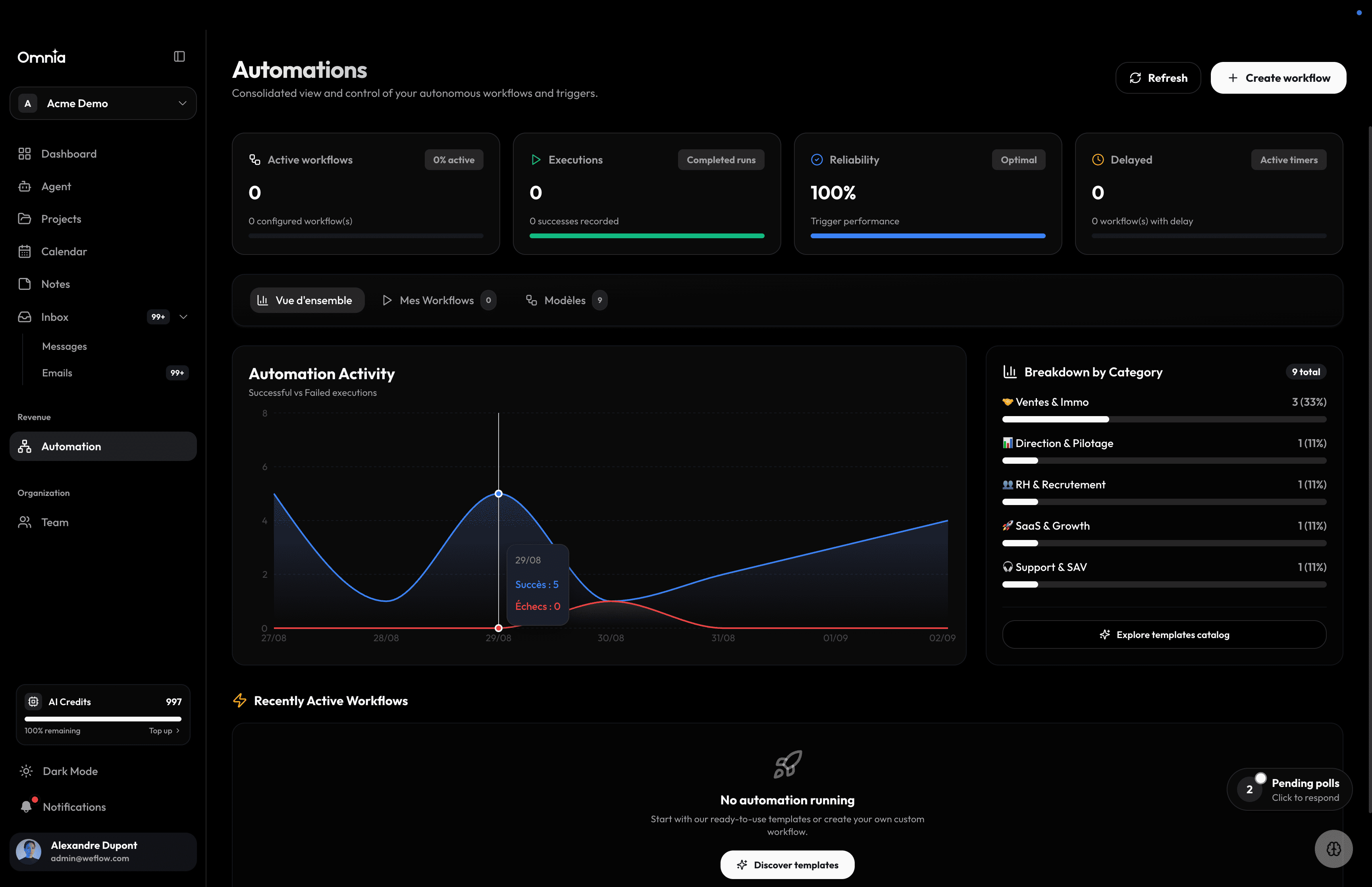
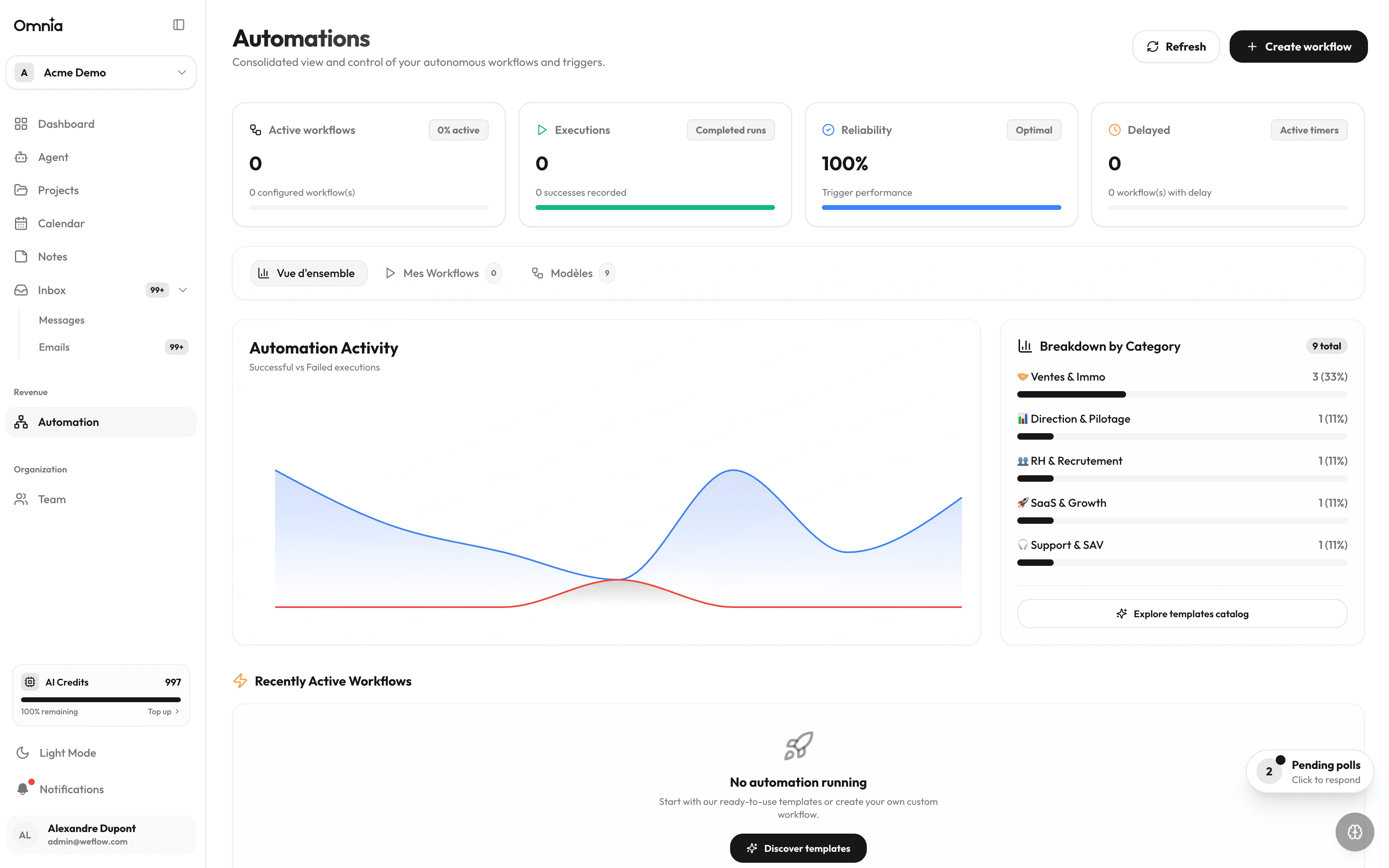
Anatomy of an automation workflow
- 1
1. Trigger
The initiating event: an incoming email, a new Calendly booking, a opened GitHub issue, or a scheduled timer.
- 2
2. AI Analysis & Filter (Condition)
Artificial intelligence parses the content, extracts key variables (dates, priority, contacts), and decides the branching path.
- 3
3. Targeted Actions
Automated task creation in the target project, team Telegram notification, and calendar update.
| Trigger event | AI Processing | Executed actions |
|---|---|---|
| Client email received on Gmail | Extracts urgency and core request | Creates a high-priority task on the Kanban board |
| Calendly booking confirmed | Formats agenda overview | Creates calendar event and prep task |
| GitHub Pull Request opened | Inspects modified files and scope | Posts notification in the project Telegram channel |
| Daily scheduled check (9:00 AM) | Consolidates overdue tasks and schedule | Sends daily briefing summary to mobile |
Execution logs & Quotas
Every workflow execution displays its execution time (in ms), HTTP status, and detailed payload in the run history log.